
- Create a Nile’s Postgres database through the UI or use one of your existing databases to follow along.
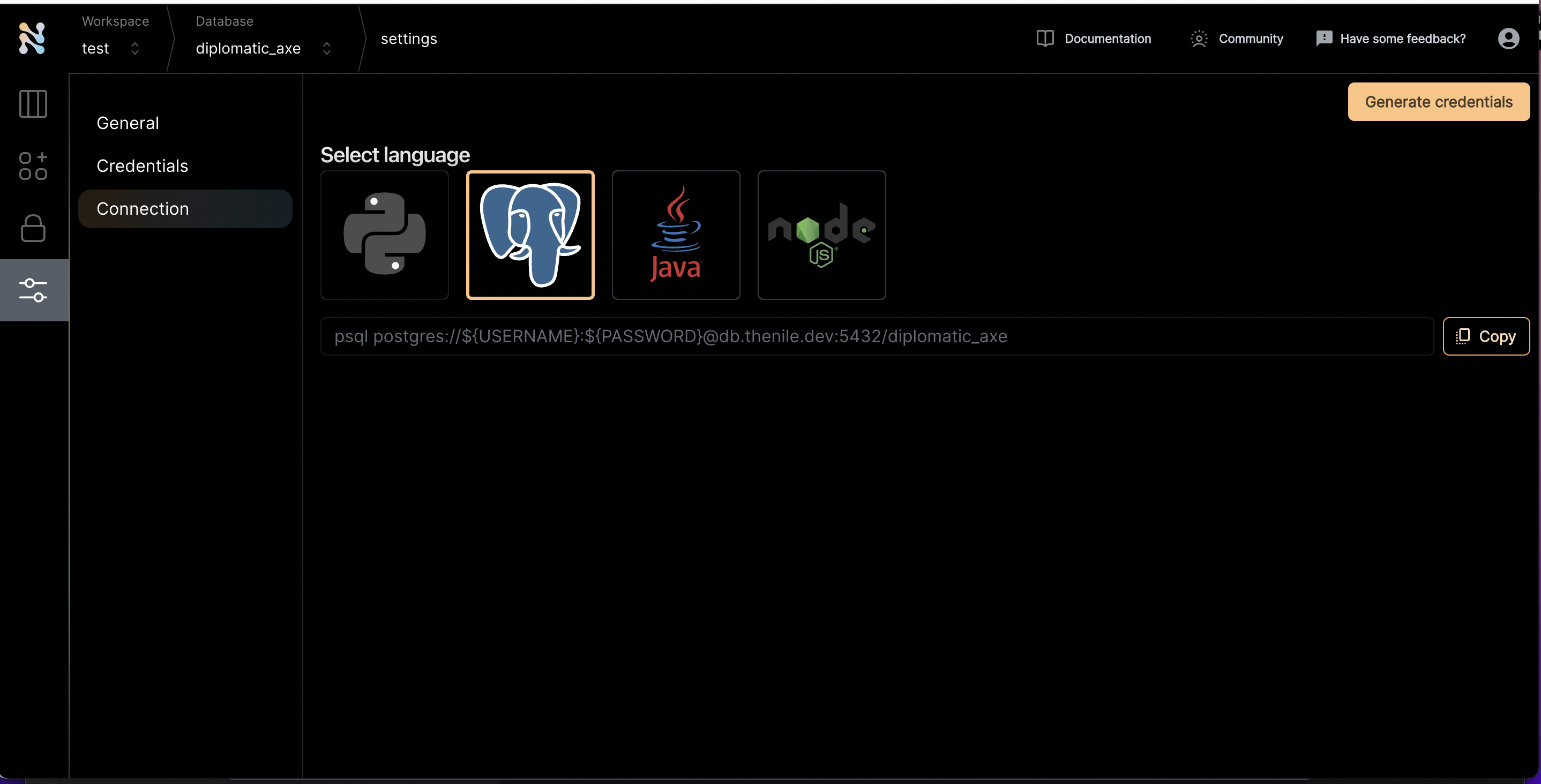
- Once you are inside a specific database, click on the settings tab on the left and navigate to the connections screen
- Click on the Postgres icon to get the connection string
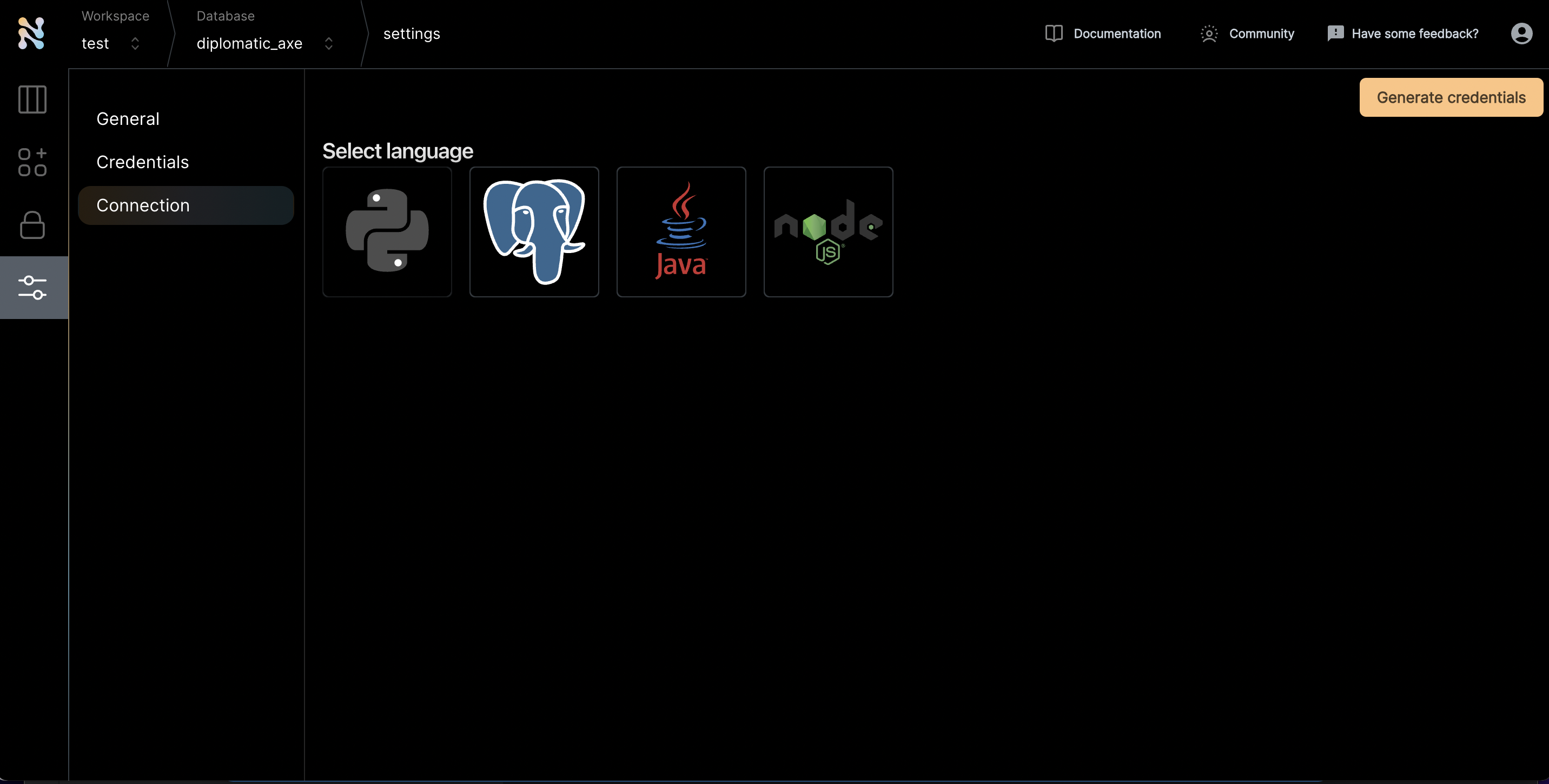
- Click “Generate credentials”. Use this if you really want to simplify the access. If not, you can replace the username and password manually and use that through commandline.
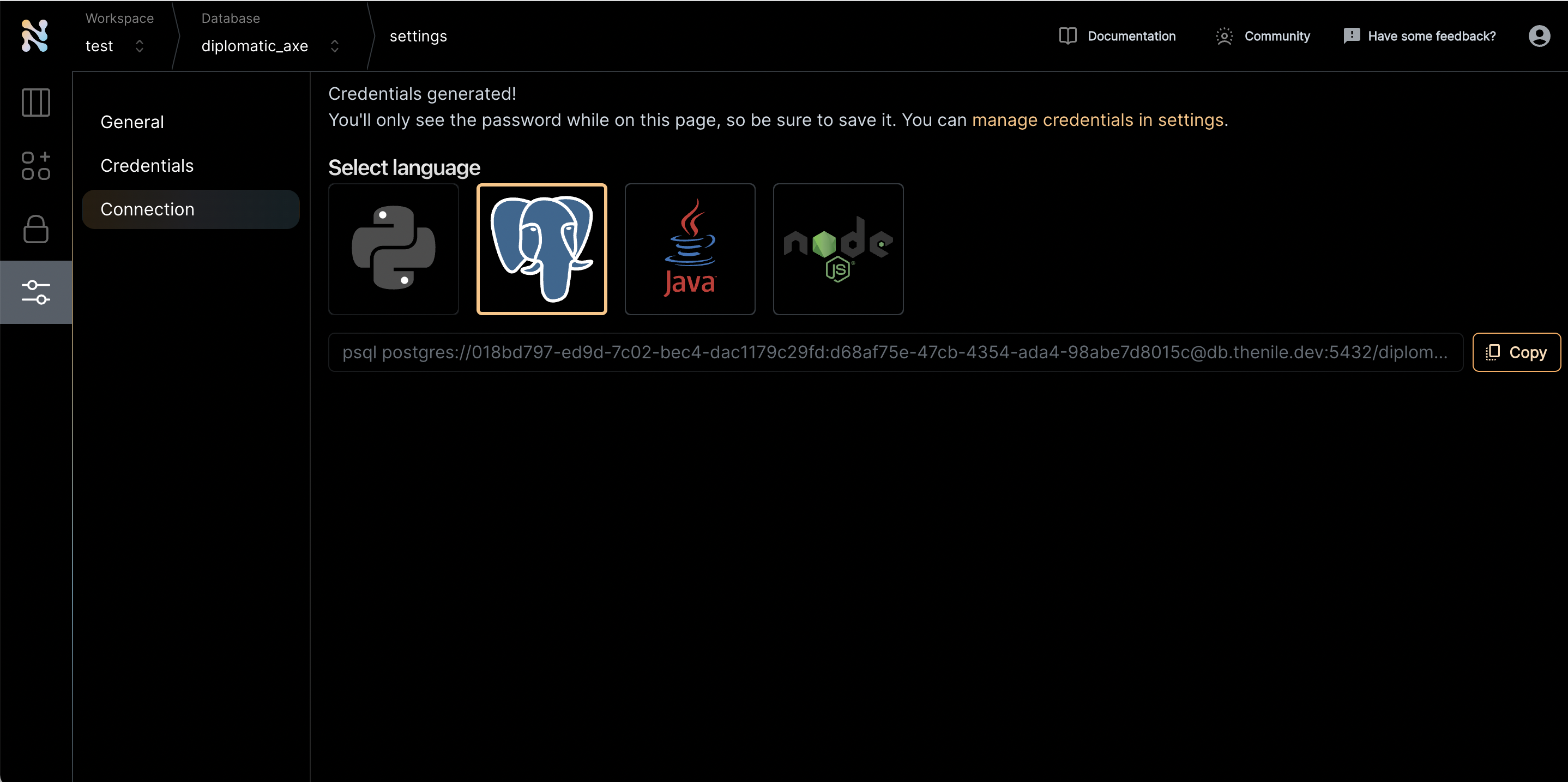
- There are four parts of this url that is needed to connect to DBWeaver
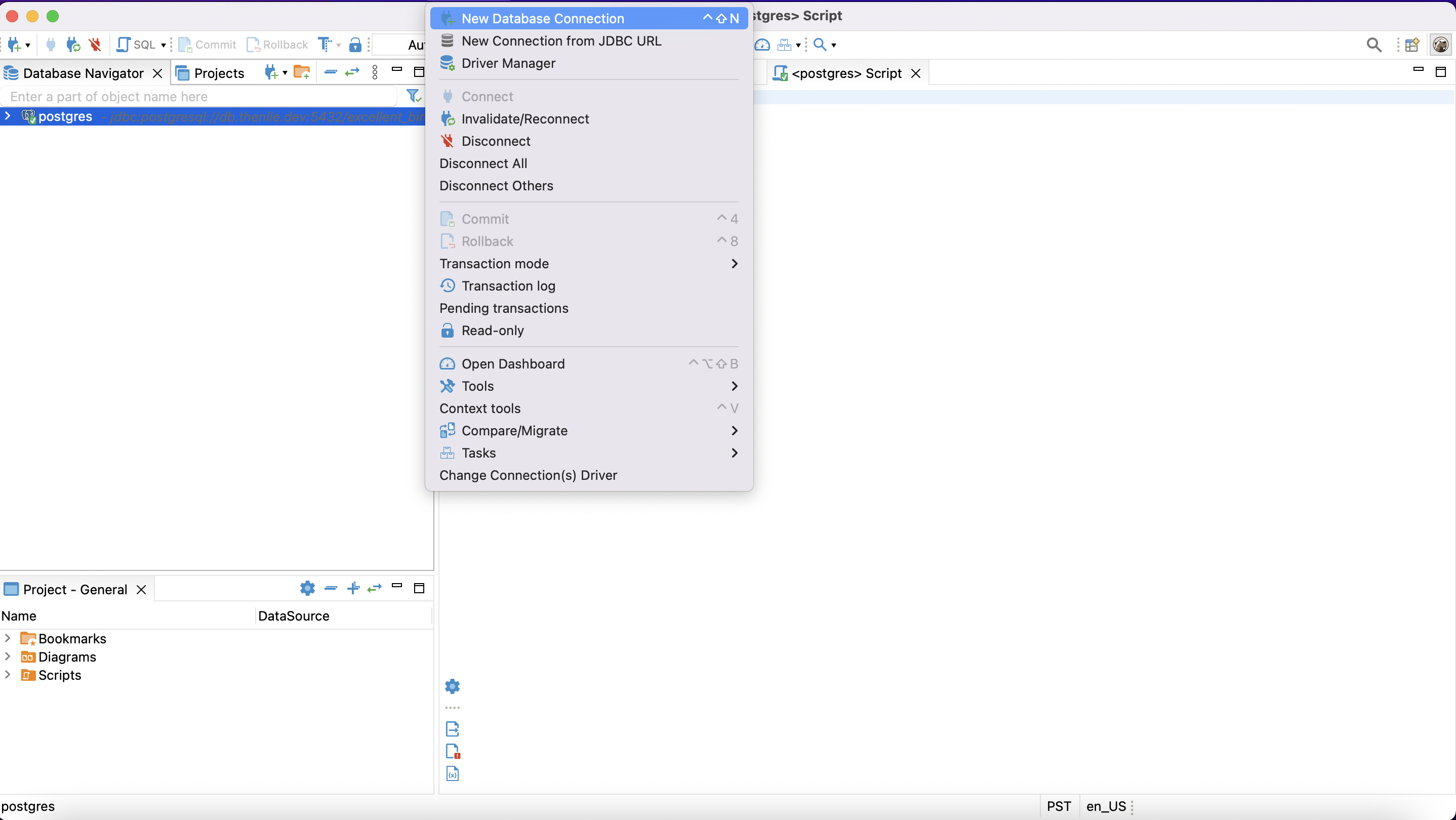
- Navigate to DBWeaver. Select to connect to a new database
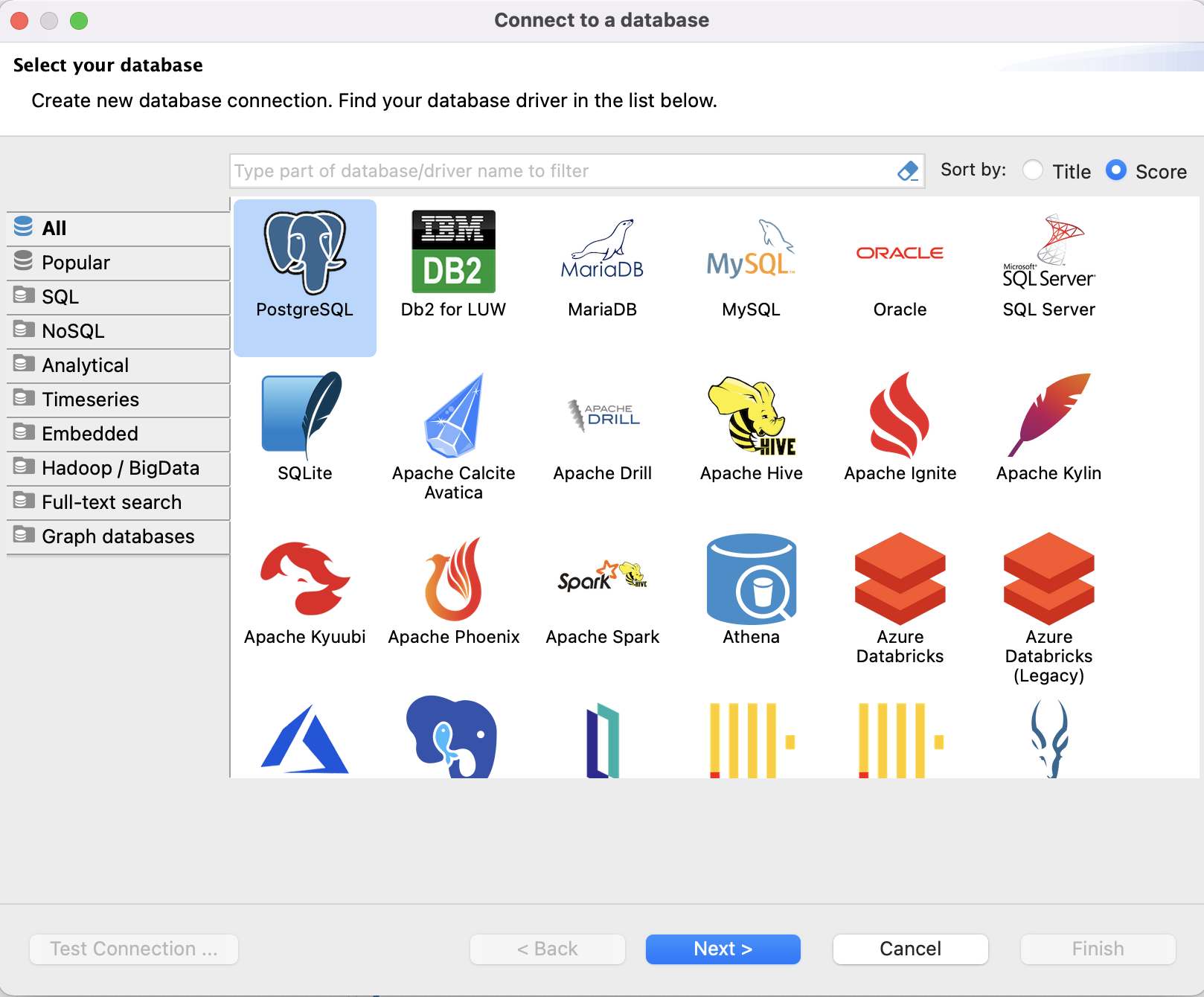
- Pick Postgres as the choice of database
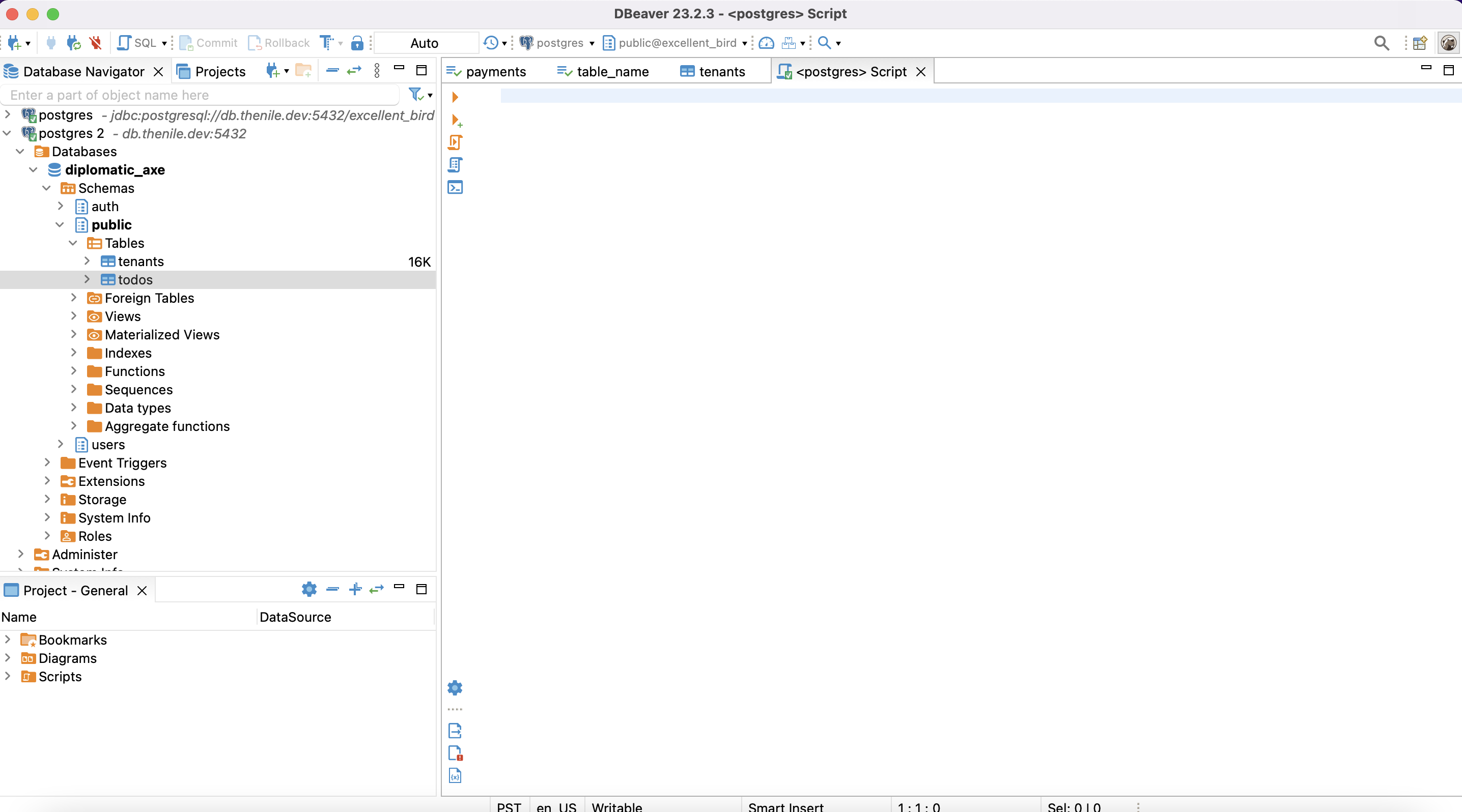
- Enter the host, database, username and password from step 5
- Press OK and DBWeaver should automatically connect to Nile’s Postgres
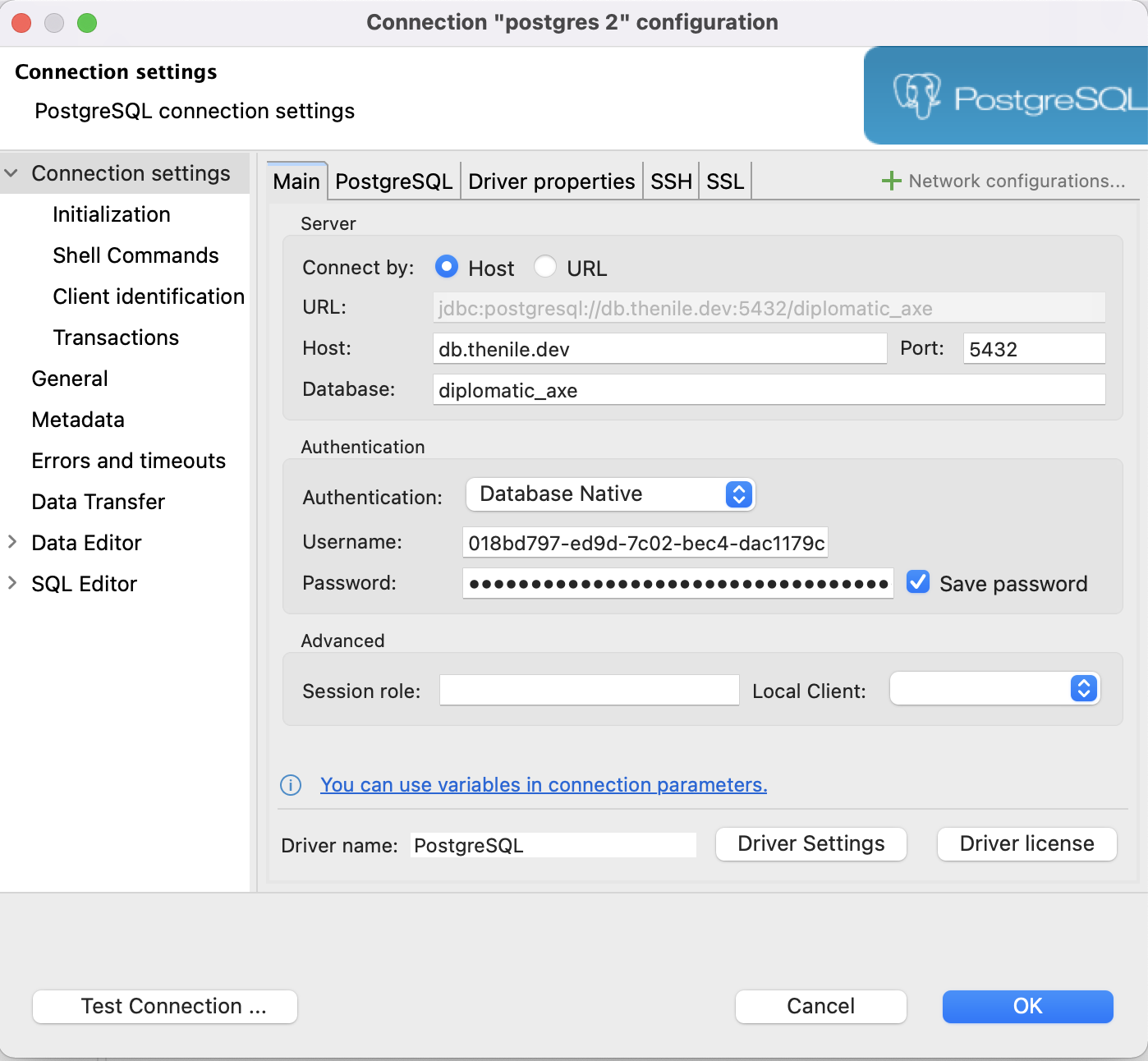
- Enjoy exploring Nile with DBWeaver