
1
Setup Discord Developer Portal
- Create a Discord Developer account.
- Follow the documentation for creating an OAuth2 application in Discord.
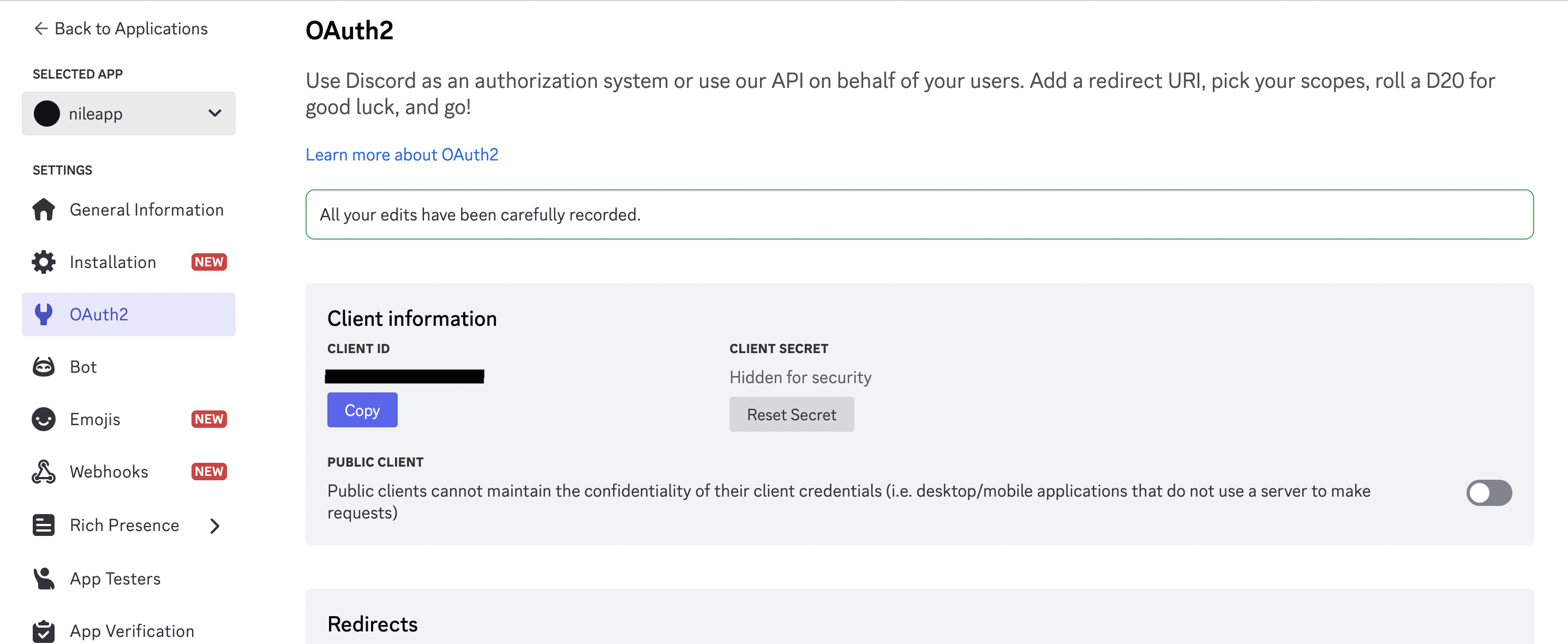
- Obtain a Client ID and Client Secret from Discord OAuth. Be sure to set the redirect URL to your application handling the Nile Auth requests.
Discord dashboard example
2
Save Client ID and Client Secret in Nile
Save them to your database at 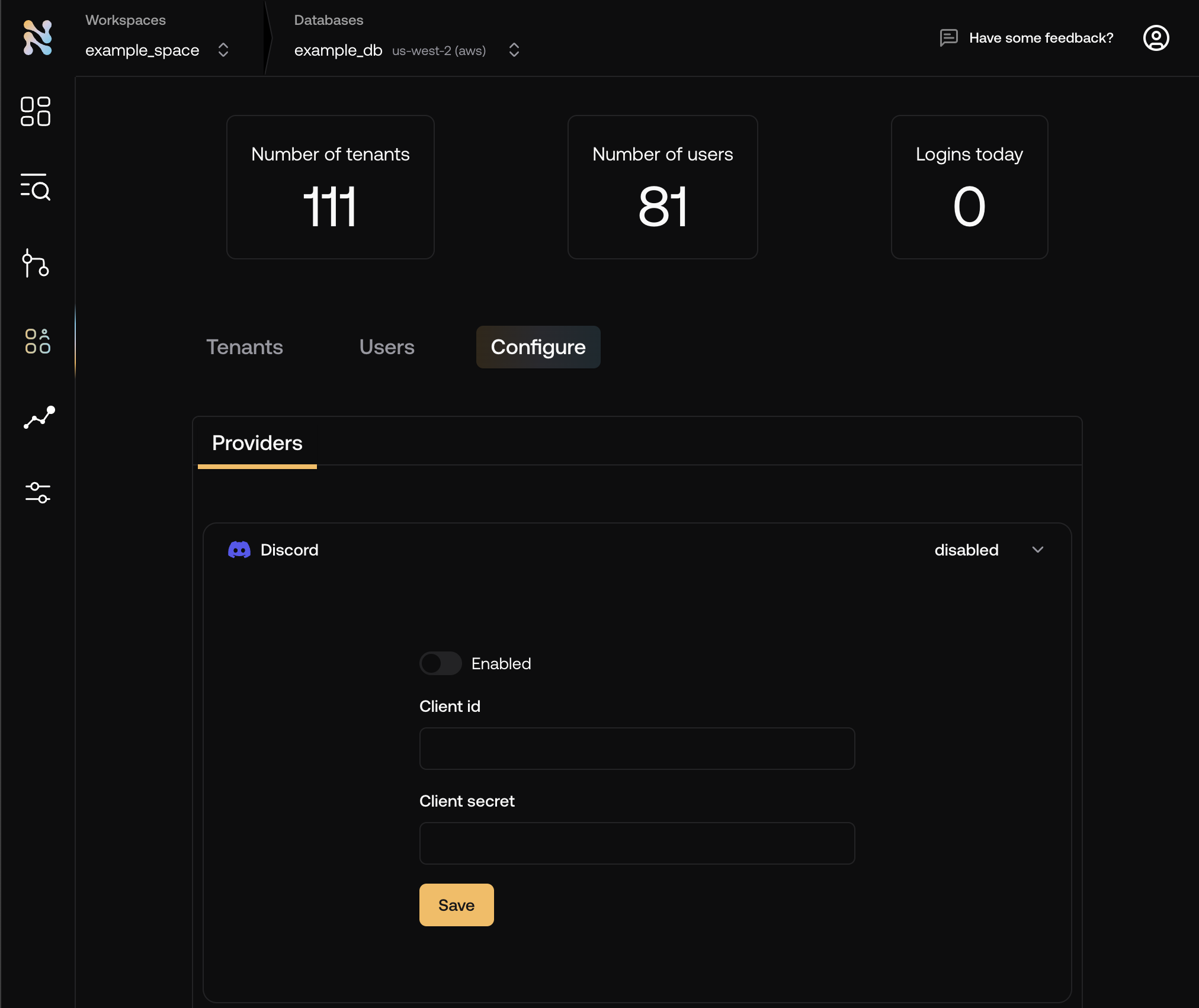
console.thenile.dev under Discord in Tenants
& Users -> Configuration 3
Add the Discord button to your login page
The button will redirect the user to Discord for authentication. Upon successful authentication, the user will be redirected back to your application.